
Quick answer
Meta tags are short lines of code in a page’s head that tell search engines and browsers about the page. For a small business site, five matter: the title element, the meta description, the robots tag, the viewport tag and the character set. Google says it ignores the meta keywords tag completely, so skip it.
Meta tags are invisible on the page but shape how your business appears in Google, whether a page is indexed at all and how your site behaves on a phone. Getting them right is one of the cheapest SEO jobs there is. This guide covers which tags Google actually reads, how to write titles and descriptions that earn clicks, the one tag that can quietly remove your site from Google and how to check your own pages.
What meta tags are
Every web page has a head section that visitors never see. It holds information for browsers, search engines and social networks: the page title, a summary, instructions about indexing, and settings for mobile display. Most of these are written as <meta> tags, which is where the name comes from. The title is technically its own element, but everyone treats it as part of the same job.
Google’s list of the meta tags it supports is short, and the page is blunt about the rest: Google will ignore meta tags that it does not support.
The meta tags that matter, and the ones that do not
| Tag | What it does | Does it matter? |
|---|---|---|
| Title element | The page’s name, often shown as the blue headline in Google | Yes, the most important of all |
| Meta description | A summary that may appear under the headline in results | Yes, for clicks |
| Robots | Tells search engines whether to index the page and follow its links | Yes, and dangerous if wrong |
| Viewport | Controls how the page displays on mobile | Yes, Google treats it as a mobile-friendly signal |
| Charset | Declares the page’s character set | Yes, prevents garbled characters |
| Google site verification | Proves you own the site in Search Console | Useful, set once |
| Meta keywords | A list of keywords | No, Google does not use it |
| Meta refresh | Redirects after a delay | Avoid, use a proper 301 redirect |
On meta keywords, Google’s wording leaves no room for doubt: the tag is not used by Google Search and has no effect on indexing and ranking at all. If someone offers to “optimise your meta keywords”, that tells you how current their knowledge is.
Writing a title that earns the click
Google’s guidance on title links asks for distinct, descriptive and concise text in the title element for every page, warns against repeating the same terms in a way that looks spammy, and suggests adding your site name at the start or end separated by a hyphen, colon or pipe. There is no fixed length limit, but titles are cut off in results to fit the screen, so put the important words first.
For a local service business, a reliable pattern is service, place, then brand:
- Boiler Repair in Derby, Same-Week Visits | Smith Heating
- Kitchen Fitters in Bath: Bespoke Kitchens | Oak and Grain
- Commercial Cleaning Leeds: Offices and Schools | BrightCo
Avoid “Home” or just your business name on the homepage. Google also notes it may write its own title link from your headings or link text if it thinks your title is unhelpful, so a vague title may not even be shown.
Writing meta descriptions that work
Google’s page on snippets explains that Google sometimes uses the meta description if it might give a more accurate description of the page, and otherwise pulls text from the page itself. There is no limit on length, but long snippets are cut off. Its best practices: write a unique description for each page, make it truly descriptive, avoid keyword lists and summarise the page rather than one detail.
A good description for a small business page answers three questions in one or two sentences: what you do, for whom or where, and why choose you. For example: “Gas Safe boiler repairs across Derby and South Derbyshire. Fixed call-out fee, most repairs done on the first visit, and a written quote before any work starts.” Only promise what is true.
If writing a description for every page feels like a lot, Google’s own advice is to prioritise. Start with the homepage and your main service pages, which are the pages most likely to appear for searches that bring enquiries. Blog posts, terms pages and small supporting pages can follow later. A handful of strong, specific descriptions on the pages that matter does more than fifty generic ones.
The robots tag: the one that can hide your site
The robots meta tag tells search engines whether to index a page. A noindex value removes the page from Google. That is useful for thank-you pages and private areas, and disastrous when it is left switched on across a whole site after a website build. It happens more than you would think: a developer hides the site from Google during the build and nobody unticks the setting at launch.
If your new site is not appearing on Google weeks after launch, check for noindex first. Our guide to why your website is not showing on Google walks through the other causes, and a sudden fall in visits can have similar roots, as covered in website traffic dropped suddenly.
Viewport and charset: set once, then forget
The viewport tag tells phones to display the page at the device’s width rather than shrinking a desktop layout. Google notes that its presence signals the page is mobile-friendly. The charset tag declares the character set so that pound signs, apostrophes and accented names display correctly. Any modern website should include both as standard. If you see odd symbols in place of a £ sign on your site, the character set is the first thing to check.
Social sharing tags
When someone shares your page on Facebook, LinkedIn or WhatsApp, the preview usually comes from Open Graph tags such as og:title, og:description and og:image. They are not used for Google rankings, but they control whether a shared link shows a smart preview or a random image and a truncated title. Set a sensible default image, such as a photo of your work with your logo, and override it on key pages.
Worked example: meta tags for a small trades site
| Page | Title | Meta description idea |
|---|---|---|
| Homepage | Electrician in Norwich: Homes and Businesses | Bright Spark | Who you are, areas covered, the main reason to choose you |
| Service page | EV Charger Installation Norwich | Bright Spark | The service, the area, what the price or quote includes |
| Area page | Electrician in Wymondham and Nearby Villages | Bright Spark | Specific towns, response times, a local job |
| Contact | Contact Bright Spark Electrical, Norwich | Phone, hours and how quickly you reply |
| Thank-you page | Thanks for your enquiry | Bright Spark | Set to noindex, as it has no value in search |
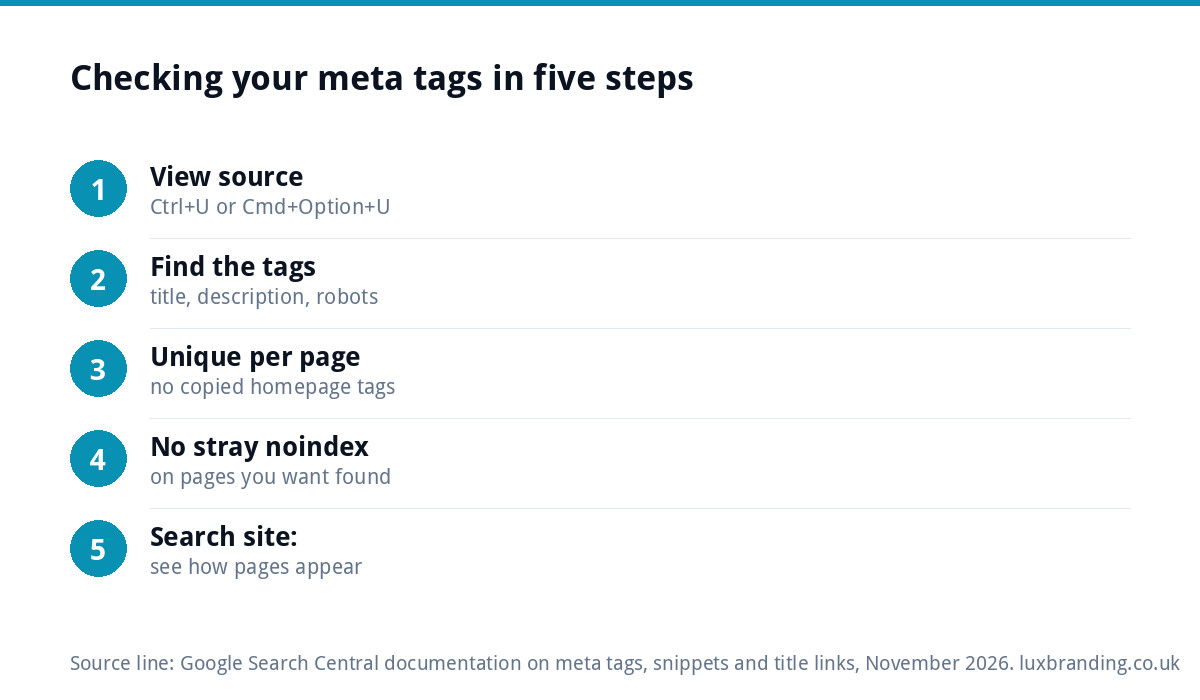
How to check your own meta tags
- Open a page in your browser and press Ctrl+U (or Cmd+Option+U on a Mac) to view the source.
- Search the source for
<title>,name="description"andname="robots". - Check each key page has its own title and description, not a copy of the homepage’s.
- Make sure no page you want in Google says
noindex. - Search Google for
site:yourdomain.co.ukto see how your pages appear.
Our free SEO audit checks titles, descriptions and indexing settings across your site in one go.
Common meta tag mistakes
- The same title on every page, usually the business name
- Keyword stuffing, such as “Plumber Derby, Derby Plumber, Plumbers in Derby”
- A noindex tag left on after the site was built
- Descriptions that promise things the page does not deliver
- Time spent on meta keywords, which Google ignores
- No social preview image, so shares look broken
Getting meta tags built in properly
Meta tags should be part of how a site is built, not an afterthought. Every Custom WordPress Website we build, at £499, includes an SEO foundation with schema, meta tags and a sitemap, so titles and descriptions are planned page by page rather than bolted on later. If your existing site needs a wider check, our guide to SEO audit costs explains what a proper audit covers, and our monthly SEO at £249 a month includes on-page and technical fixes. All our prices are on the pricing page.
Get the UK SEO DIY Audit Checklist (free)
A 32-point checklist UK SMEs can run against their own website in an afternoon. Surfaces the quick wins before paying for a paid audit.
No spam. UK GDPR compliant. We only use your email to send this resource, unless you tick the box to hear from us.
Frequently asked questions
Which meta tags does Google actually use? +
Google's list of supported meta tags includes the description, robots and googlebot tags, google-site-verification, the content type and charset, refresh, viewport and a few specialist tags. The title element matters most of all. Google says it ignores meta tags it does not support, and that the meta keywords tag has no effect on indexing or ranking.
Do meta keywords still matter for SEO? +
No. Google states that the meta keywords tag is not used by Google Search and has no effect on indexing and ranking at all. Time spent on meta keywords is better spent on unique page titles, useful meta descriptions and the content of the page itself, which is what Google reads.
How long should a meta description be? +
Google says there is no limit on how long a meta description can be, but snippets are cut off in results to fit the device width. Aim for one or two sentences that say what you do, where, and why choose you, with the key information first. Write a unique description for each important page.
Why is my new website not showing on Google? +
A common cause is a noindex robots tag left on after the build, which tells Google to drop the pages from its results. Check your page source for noindex first. Other causes include the site being too new, no links pointing to it or technical errors. Our free SEO audit checks indexing settings across your site.
Do I need a plugin to edit meta tags? +
Not necessarily. Meta tags can be built into the website itself so every page has editable title and description fields. Every Custom WordPress Website we build, at £499, includes an SEO foundation with schema, meta tags and a sitemap. Many hosted platforms also include title and description fields in their page settings.