Quick answer
Your logo should be built in Illustrator, or another vector program, not Photoshop. Illustrator draws with mathematical paths that stay sharp at any size, from a favicon to a van side. Photoshop works in pixels, so a logo made there blurs when enlarged. Our Logo Design costs £129 and every logo is delivered as true vector.
This guide explains the difference in plain terms, shows you how to test the logo you already have, and sets out what to do if it turns out to be a Photoshop file.
Pixels versus paths: the one difference that matters
Photoshop and Illustrator look similar on screen, and both come from Adobe, so it is easy to assume either will do. They are built for different jobs. Adobe’s own raster versus vector guide puts it simply: Photoshop is a raster-based program, Illustrator is a vector-based program.
A raster image is a grid of coloured squares (pixels). A photo of your van is raster. Zoom in far enough and you see the squares. Stretch it bigger than it was made and the software has to invent pixels that were never there, which is why edges go soft and lettering turns fuzzy.
A vector image is a set of instructions: a curve from this point to that point, filled with this colour. Because the shape is calculated rather than stored as dots, it can be redrawn at any size with perfectly crisp edges. That is why logos, lettering and icons belong in vector, and photographs belong in raster.
A logo has to work on a business card, a website header, a polo shirt, a shop sign and possibly the side of a lorry. Only vector artwork can do all of those from one master file.
Photoshop vs Illustrator side by side
| Question | Photoshop | Illustrator |
|---|---|---|
| How it draws | Pixels on a fixed grid | Paths and curves (vector) |
| Scaling up | Blurs or pixelates past the original size | Stays sharp at any size |
| Best at | Photo editing, retouching, mockups, textures | Logos, icons, lettering, print layouts |
| Native file | PSD | AI |
| Useful exports for a logo | PNG, JPG (raster only) | SVG, EPS, PDF, plus PNG and JPG |
| Sign makers and embroiderers | Usually cannot cut or stitch from it | Accept it, as it gives clean outlines |
| Changing a colour later | Fiddly, edges often show halos | Click the shape, change the swatch |
The short version: Photoshop is the right tool for the photo on your homepage, and Illustrator is the right tool for the logo sitting on top of it.
What goes wrong when a logo lives in Photoshop
Plenty of logos start life in Photoshop because a friend, a family member or a cheap freelancer already had it installed. It often looks fine on Facebook. The problems arrive the first time the logo has to go somewhere physical.
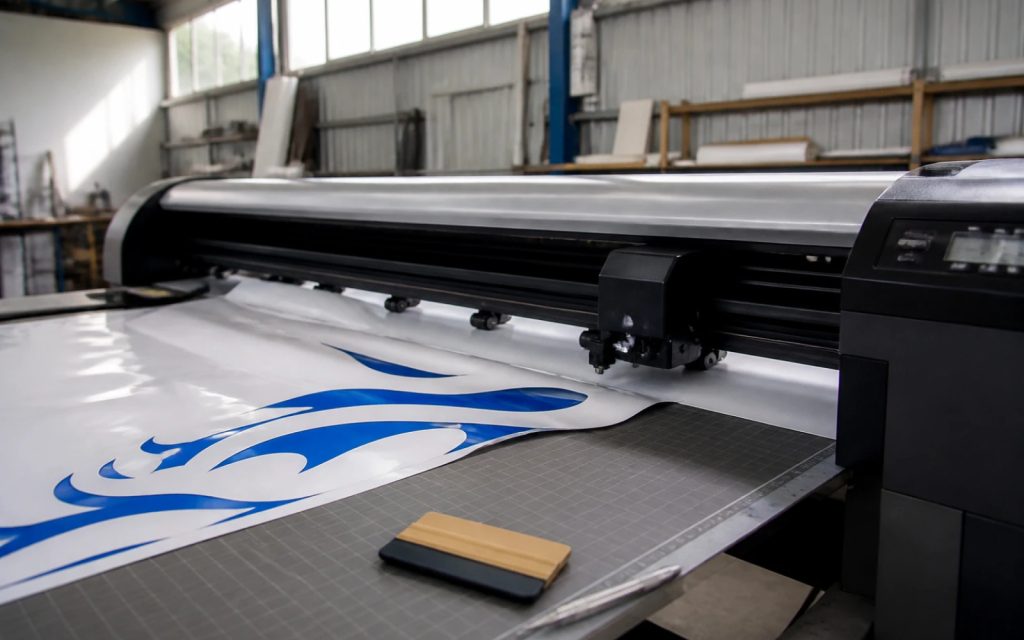
- The sign maker asks for a vector. Vinyl cutters and routers follow outlines. A PSD or PNG has no outlines, only pixels, so they cannot cut from it. Our guide to logo files for embroidery and signs covers what each supplier needs.
- Large prints go soft. A 1,000-pixel-wide logo looks crisp on a phone and blurry on a 2-metre banner.
- Colours drift. Photoshop files are often set up in screen colour (RGB). Printers work in CMYK or in spot colours, such as those in Pantone’s Formula Guide, which are mixed to set ink formulas. A bright screen blue can come back dull unless the logo carries the right colour references.
- Every edit costs more. Changing the phone number under a raster logo means repainting pixels, not retyping text.
- Transparent backgrounds look messy. Cutting a raster logo out of its white box leaves a faint fringe that shows on dark shirts and vans.
None of this means the person who made it had a bad idea. The concept may be good. It is the file that is the wrong kind.
Where Photoshop still earns its place
Photoshop is not the villain here. A good designer uses both programs on a branding job, just for different things:
- Placing the finished logo onto photos for mockups, such as a shopfront or a van.
- Editing the photography that sits alongside the logo on your website and social posts.
- Creating textured or photographic social media graphics where vector would look flat.
- Exporting web-ready images at the exact pixel size a page needs.
The rule is about where the master logo lives. The master should be vector. Photoshop can then use copies of it as often as you like.
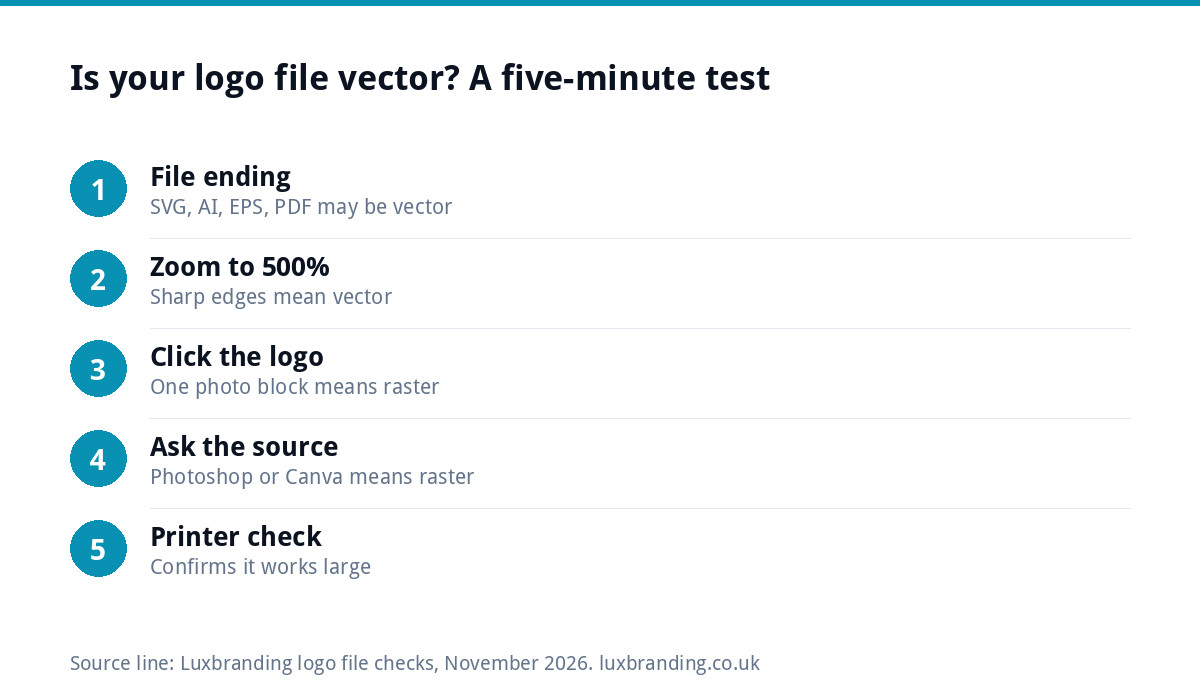
Test your logo file in five minutes
You do not need Adobe software to find out what you have. Work through these steps with the files your designer sent:
- Look at the file endings. SVG, AI, EPS and vector PDF can be vector. PNG, JPG, GIF and PSD are always raster.
- Open the SVG or PDF in a web browser and zoom to 500%. If edges stay razor sharp, it is vector. If they go fuzzy or stepped, it is a raster image saved inside a vector-sounding file.
- Check a PDF by selecting. In a PDF viewer, try clicking on the logo. A single selectable photo means raster.
- Ask what program it was made in. If the answer is Photoshop, Canva or an AI image generator, the original is almost certainly raster.
- Ask a printer for a sense check. Most print shops will tell you quickly whether the file is usable for large format.
Our logo file formats guide explains each file type in more depth, including which ones to send to which supplier.
What running each program costs
If you are tempted to make or edit the logo yourself, it helps to know the running cost. At the time of writing, November 2026, Adobe’s UK plans page lists Photoshop and Illustrator as single apps at £21.98 a month each including VAT on an annual plan billed monthly, with occasional introductory offers. Prices change, so check the page before you buy.
Free vector editors such as Inkscape exist and can produce proper vector files, but the software is the easy part. Drawing clean curves, setting consistent spacing and choosing type that reads at small sizes is a skill. A year of a single Adobe app costs more than having a logo professionally designed, so for most trades and small businesses it only makes sense if you will use the software week in, week out.
The files a finished logo should come with
Whoever designs your logo, this is the set to expect at handover. Every file in the list should be exported from the vector master, including the PNG and JPG versions.
| File | Type | What it is for |
|---|---|---|
| AI | Vector master | Future edits by any designer |
| EPS | Vector | Older print and sign software |
| Vector | Printers, email attachments, proofs | |
| SVG | Vector | Websites, cutting machines, sign makers |
| PNG (transparent) | Raster export | Social media, documents, presentations |
| JPG | Raster export | Quick sharing where transparency is not needed |
If your pack contains only PNG and JPG files, you have exports without a master. That is worth fixing before you order signage or workwear.
If your logo was made in Photoshop already
You do not have to start again. You have three sensible options, depending on how happy you are with the design itself.
Keep the design, rebuild the file
If you like the logo as it is, it can be redrawn by hand as true vector. Automatic conversion tools often produce lumpy curves and melted lettering, so a manual redraw is the reliable route. Our Recreate & Vectorise service is £79 for one layout and £39 per additional layout, and returns every format. The guide to vectorising a logo shows the free DIY options too, so you can compare.
Rebuild and adjust
If the design needs small changes as well, such as a new colour or tighter spacing, the file is rebuilt as vector first and then edited. Our Logo Edit is £50 for changes to a logo you already own, once a vector version exists.
Start fresh
If the Photoshop logo was always a stopgap, a new design may be better value than repairing the old one. If you only have a picture of your logo, our article on what to do with just a JPG walks through the decision.
Designing a new logo the right way round
When we design a logo, every final file is built as true vector, and pixel-based tools only come in for the mockups. Our Logo Design is £129 one-off, with unlimited concepts, unlimited revisions within your brief, stacked, horizontal and icon-only layouts, every file format and a 3D mockup. Concepts arrive within 48 hours.
All our fixed prices are listed on the pricing page, so you can see what a new logo or a file rebuild costs before you order.
The bottom line
Photoshop is the right tool for photographs and the wrong home for a logo. If your master file is vector, you can print it, stitch it, cut it and scale it without paying someone to fix it each time. If it is not, rebuilding it once is cheaper than repeated rejections from printers and sign makers. Check your files today, and you will know exactly where you stand before the next order for workwear or signage.
Get the UK Branding Budget Worksheet (free)
A printable worksheet: decide what your brand needs now and price it against fixed published prices and the IPO trademark fee.
No spam. UK GDPR compliant. We only use your email to send this resource, unless you tick the box to hear from us.
Frequently asked questions
Can I design a logo in Photoshop? +
You can, but you should not keep it there. Photoshop works in pixels, so the logo has a fixed size and blurs when enlarged for signs, banners or vans. Sign makers and embroiderers need outlines, which only a vector file provides. If a logo starts in Photoshop, it should be redrawn as vector before it is used for anything physical.
Is Illustrator better than Photoshop for logos? +
Yes, for the master logo file. Illustrator is a vector program, so shapes and lettering stay sharp at any size and colours are easy to change. Photoshop is better for photographs, mockups and web images. Most designers use both: the logo is built in Illustrator, then placed into Photoshop for mockups.
How do I know if my logo is vector? +
Check the file endings first: SVG, AI, EPS and PDF can be vector, while PNG, JPG and PSD are raster. Then open the SVG or PDF in a browser and zoom to 500 per cent. Crisp edges mean vector. Fuzzy or stepped edges mean a raster image saved inside a vector-sounding file.
How much does it cost to turn a Photoshop logo into vector? +
Our Recreate & Vectorise service redraws the logo by hand as true vector for £79 for one layout, plus £39 per additional layout, and returns SVG, AI, EPS, PDF, PNG and JPG files. If you also want design changes, Logo Edit is £50 once a vector version exists. Prices are on our pricing page.
Do I need to buy Illustrator to use my logo files? +
No. You only need Illustrator, or another vector editor, to change the design. To use the logo you just send the right file: SVG or PDF for printers and sign makers, PNG for social media and documents. Browsers and free PDF viewers open SVG and PDF files for checking.