
Quick answer
Use plain text, or nearly plain text, for personal emails such as quote follow-ups, review requests and owner updates: it costs £0 to design and reads like a real person wrote it. Use a simple branded HTML template for newsletters, offers and product news, where photos and buttons help. Keep either short, with a clear unsubscribe link.
Email marketing advice swings between two camps. One says designed emails look professional and get more clicks; the other says plain text feels personal and lands in the inbox more often. Both are partly right, because they suit different jobs. This guide explains the real differences, which style suits each kind of email a small business sends, what affects deliverability, and how to test before you hit send.
What the difference really is
A plain-text email is just words: no images, no colours, no buttons, links shown as written. It looks like an email from a colleague. An HTML email is built like a small web page, with a layout, your logo, brand colours, photos and buttons.
Most email platforms also offer something in between: an HTML email designed to look almost plain, with normal text, perhaps a small logo and a signature. Many small businesses find this the best of both.
| Factor | Plain text | HTML |
|---|---|---|
| Look | Personal, like a one-to-one email | Branded, like a mini web page |
| Design effort | None | A template, set up once and reused |
| Images and buttons | Not possible | Yes |
| Open tracking | Not available | Possible, but increasingly unreliable |
| Click tracking | Usually possible through rewritten links | Yes |
| Risk of display problems | Very low | Higher: dark mode, blocked images, old email apps |
| Best for | Relationship and service emails | Newsletters, offers, products |
When plain text works best
Plain text suits any email where the reader should feel you wrote to them personally:
- Quote follow-ups: “Just checking you received our quote for the bathroom”.
- Review requests after a job.
- Owner updates to a small list of regular customers.
- Re-engagement emails to people you have not heard from in a while.
- Business-to-business emails, where a designed layout can look like mass marketing.
Plain text also forces discipline. Without images to lean on, you have to make one point clearly, which usually produces a better email.
Writing a plain-text email that gets replies
A good plain-text email is short, specific and easy to answer. A quote follow-up might read:
Hi Mrs Patel,
Just checking our quote for the new boiler reached you last week. Happy to answer any questions, or to talk through the two options on the phone if that is easier.
We have availability in the week of 14 April if you would like to go ahead.
Thanks,
Dan, Hart Heating
Notice what it does: uses the customer’s name, refers to the specific job, offers help rather than pressure, gives one practical reason to reply now and signs off as a person from the business. No logo, no banner, no buttons, and nothing that looks like it went to a thousand people. Keep the same shape for review requests: one sentence of thanks, one link, one line saying how much it helps.
When HTML earns its place
HTML is worth it when seeing something matters:
- Newsletters with several short items and photos of recent work.
- Product launches and offers for online shops, where the product image does the selling.
- Event invitations with a date, a place and a clear button.
- Seasonal campaigns where your brand look helps people recognise you.
Keep HTML emails simple: one column, your logo small at the top, a short headline, one or two images, and one main button. Elaborate multi-column designs break more often on phones and in some email apps.
The effort is mostly up front. Build one good template with your logo, colours and footer, test it properly, and reuse it for every newsletter. After that, each send is a matter of changing the words and photos. A template that is easy to fill in is far more likely to be used every month than a beautiful one that takes an afternoon to update.
Which style for each email you send
| Suggested style | Why | |
|---|---|---|
| Welcome email | Light HTML with logo | First impression of your brand, plus a personal tone |
| Quote follow-up | Plain text | It should read like a personal note |
| Review request | Plain text with one link | Simple and direct gets more replies |
| Monthly newsletter | HTML, one column | Photos and several short items |
| Offer or sale | HTML | Product images and a clear button |
| Service reminder | Plain text or light HTML | Clarity matters more than design |
Deliverability: style matters less than you think
Whether your email reaches the inbox depends far more on your sending setup and your list than on design. Google’s email sender guidelines require all senders to use SPF or DKIM authentication, require one-click unsubscribe for marketing messages, and ask senders to keep spam rates reported in Postmaster Tools below 0.3%. On design, the same page says only that HTML messages should be formatted according to HTML standards, and that you should not use HTML and CSS to hide content.
So the practical rules are:
- Authenticate your sending domain before anything else.
- Send only to people who agreed to hear from you.
- Avoid emails that are one big image with little text.
- Do not hide text, and keep links pointing where they say.
- Most email platforms send a plain-text version alongside your HTML automatically; check it reads sensibly.
If your emails already land in junk, our guide to business emails going to spam covers the fixes.
Tracking: what you can and cannot measure
Open tracking works by loading a tiny invisible image when the email is displayed. Plain-text emails have no images, so opens cannot be tracked. HTML emails can track opens, but many email apps now block or pre-load images for privacy, which makes open rates a rough signal at best.
Clicks and replies are better measures for both styles. Did people click through to book, reply to the email or call? For a small business, a handful of replies from a plain-text email is often worth more than a high open rate on a designed newsletter. Keep a simple note of replies and bookings after each send, and compare the two styles over a few months rather than one email.
The footer both styles need
Plain or designed, marketing emails need the same essentials. The ICO’s guidance on electronic mail marketing says you must not disguise or conceal your identity and must give a valid address for people to opt out. Yahoo’s sender best practices ask for a clearly visible unsubscribe link in the email body and for unsubscribes to be honoured within two days.
In practice: your business name, how to contact you, why the reader is receiving the email and a clear unsubscribe link, in every marketing email.
Making HTML emails look right on phones
- Images off: some readers see your email without images at first. Make sure the text still makes sense, and give images short descriptions.
- Dark mode: logos with transparent backgrounds can vanish on dark backgrounds. Test with a version that works on both.
- Text size: body text that is comfortable to read on a phone without zooming.
- Buttons: large enough to tap with a thumb, with space around them.
- Brand consistency: use the same colours and fonts as your website and stationery, so the email is recognisably yours.
Test before every send
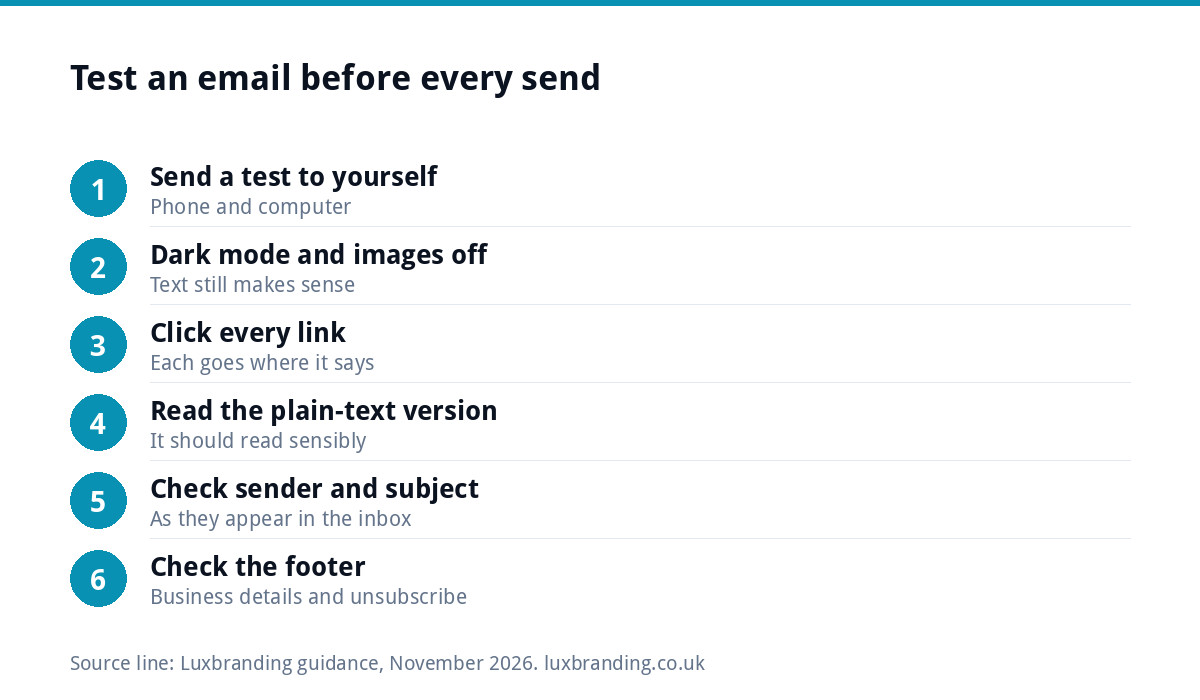
- Send a test to yourself on a phone and a computer.
- Check it in dark mode and with images turned off.
- Click every link and check where it goes.
- Read the plain-text version your platform generates.
- Check the sender name and subject line as they appear in the inbox.
- Check the footer: business details and a working unsubscribe link.
Getting it set up
Our email marketing automation service is the place to start if you would rather have the platform and your automated emails set up for you, with plain and designed emails each used where they work best. A clear logo, £129 with every layout and file format, gives your template a crisp mark that works at small sizes and on dark backgrounds. If your emails, website and print all look different, our Brand Identity Design, £299, brings colours, fonts and guidelines together, and our guide to fixing an inconsistent brand shows where to start. Every fixed price is on our pricing page.
Get the UK SEO DIY Audit Checklist (free)
A 32-point checklist UK SMEs can run against their own website in an afternoon. Surfaces the quick wins before paying for a paid audit.
No spam. UK GDPR compliant. We only use your email to send this resource, unless you tick the box to hear from us.
Frequently asked questions
Do plain-text emails get better deliverability than HTML? +
Style matters less than your setup and your list. Google's sender guidelines focus on authentication, one-click unsubscribe and low spam rates, and ask only that HTML follows standards and does not hide content. A well-built, simple HTML email sent to people who opted in should reach the inbox as reliably as plain text.
Can I track opens on plain-text emails? +
No. Open tracking relies on a tiny invisible image loading when the email is displayed, and plain-text emails contain no images. Clicks can usually still be tracked because platforms rewrite links. In any case, many email apps block or pre-load images, so open rates are a rough signal; clicks and replies are better measures.
Should my newsletter be plain text or HTML? +
For most small businesses, a simple one-column HTML newsletter works well, because photos of recent work and a clear button help. If your list is small and personal, such as regular customers of a trade or consultancy, a letter-style email that looks almost plain often gets more replies.
What must every marketing email include in the UK? +
Who it is from, without disguising your identity, and a valid way to opt out, as the ICO's guidance requires. In practice, include your business name and contact details, a reminder of why the reader is receiving it and a clearly visible unsubscribe link. Gmail also requires one-click unsubscribe for marketing messages.
Why does my logo disappear in some emails? +
Often because of dark mode. A logo with dark lettering on a transparent background can vanish when the email app switches to a dark background. Use a version with a light outline or a solid background behind it, and test your template in dark mode and with images turned off before sending.