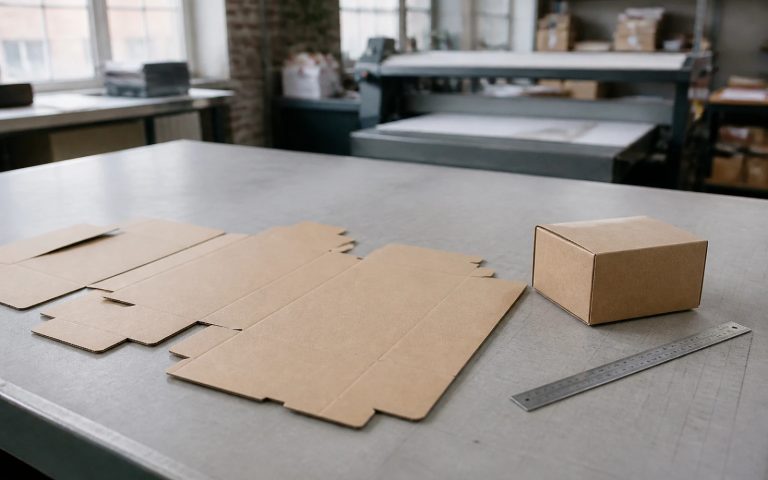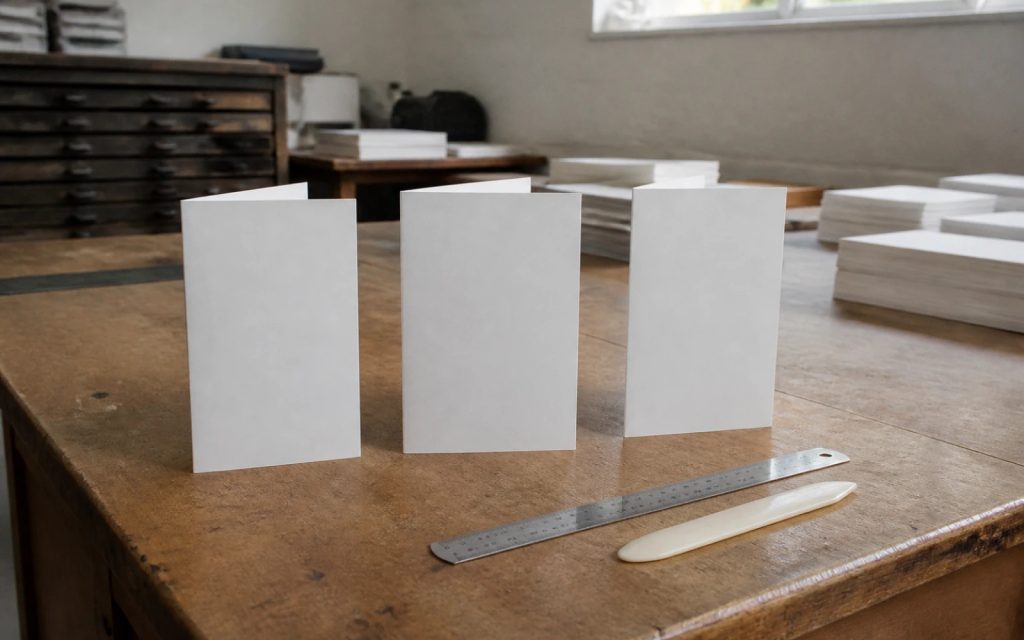
Quick answer
An A4 tri-fold leaflet is a 297 x 210mm sheet folded into three panels of about 99mm. For a roll fold, make the panel that folds inside 2 to 3mm narrower, unless your printer’s template adjusts it for you. Add bleed, keep text clear of every fold, and plan the panels in the order people open them.
Tri-fold leaflets are a staple for trades, salons, clinics and restaurants because they fit a DL rack, slip into an envelope and hold more than a flyer. They are also easy to get wrong: text cut through by a crease, a cover on the wrong panel, or a fold-in flap that buckles. This guide covers the fold types, the panel map, file setup and the content for each panel.
Roll fold, Z-fold or half fold?
“Tri-fold” usually means one of two folds. The roll fold (also called a C-fold or letter fold) tucks one panel inside the others. The Z-fold opens like a concertina. A half fold is the simpler alternative with two panels.
| Fold | Panels | How it opens | Panel widths | Best for |
|---|---|---|---|---|
| Roll fold (C-fold) | 6 (3 each side) | Cover opens to a flap, then the full spread | Fold-in panel slightly narrower | Service menus, price lists, step-by-step stories |
| Z-fold | 6 (3 each side) | Pulls open in one movement, like a concertina | All equal | Maps, timelines, one continuous image inside |
| Half fold | 4 (2 each side) | Opens like a card | Equal | Short content, larger images, A5 finished size |
If you are unsure, a roll fold is the safest choice for a service business: it gives you a cover, a teaser panel and a three-panel spread for the detail.
The panel map for an A4 roll fold
The panels are not in reading order on the flat sheet, which is where most home-made leaflets go wrong. Lay the sheet landscape. On the outside face, from left to right, you have the fold-in flap, the back cover and the front cover. On the inside face you have three panels that form the main spread.
| Panel | Position on the flat sheet | What the reader sees | Use it for |
|---|---|---|---|
| Front cover | Outside, right | First, in the rack or on the mat | One headline, one image, your brand |
| Fold-in flap | Outside, left | Second, when the cover opens | The hook: a problem solved or an offer |
| Inside left | Inside, left | Second, beside the flap | Who you are and why to trust you |
| Inside centre and right | Inside, centre and right | Third, when fully open | Services, prices, process, proof |
| Back cover | Outside, centre | Last, or when turned over | Contact details, area covered, call to action |
Fold a plain sheet of A4 into three and write the panel names on it before you design anything. It takes a minute and prevents the most common mistake, a cover printed upside down or on the back.
Why the inside panel is narrower
On a roll fold, the flap tucks inside the other two panels. If all three were exactly 99mm, the flap would press against the inner fold and buckle or bulge. The usual fix is to make the fold-in panel 2 to 3mm narrower and share the spare width between the other two.
Printers handle this differently. Instantprint’s guidance on folded leaflets, for example, lists a DL C/Z-fold with a flat size of 297mm x 210mm and a finished size of 99mm x 210mm, and asks customers to keep all panels the same size because its system resizes the middle panel automatically. Other printers expect you to do it. Always download your printer’s template and follow it, rather than guessing.
Setting up the file: size, bleed and safe zones
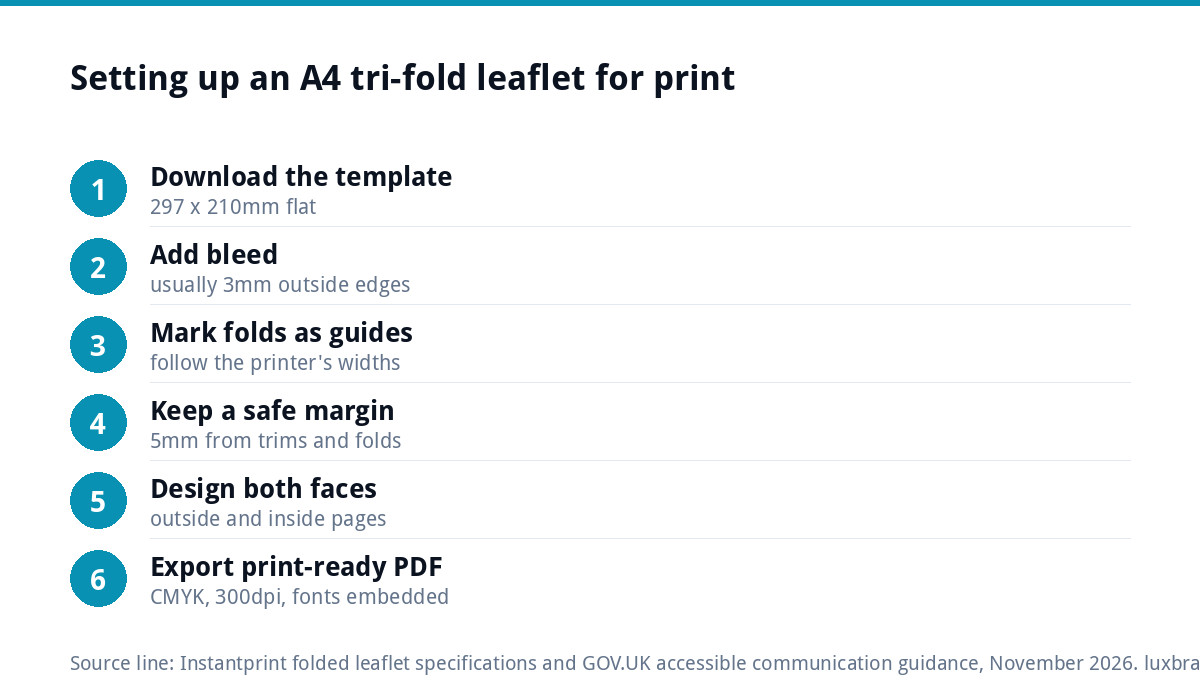
- Start from the printer’s template at the flat size, 297 x 210mm for an A4 sheet folding to DL.
- Add bleed, usually 3mm on each outside edge, so colour and images run off the trimmed edge cleanly. Check the exact figure on your printer’s spec.
- Mark the folds with guides, not printed lines, at the positions in the template.
- Keep a safe margin of at least 5mm from every trim edge and every fold for text, logos and phone numbers.
- Design both faces as separate pages: page one outside, page two inside.
- Use CMYK colour and 300dpi images at the size they will print.
- Export a print-ready PDF with fonts embedded and bleed included.
If a printer has bounced your file before, our guide to why printers reject artwork decodes the usual errors, and print-ready artwork explained covers the full checklist.
What to put on each panel
Front cover. Treat it like a shop window. One clear headline about the customer’s problem or the result you deliver, one strong photograph, and your brand. Leave out phone numbers and service lists; they belong inside.
Fold-in flap. This is the first thing seen after the cover, so use it to hook. A short offer, a “why choose us” panel or a before-and-after works well.
Inside spread. Group your services with short descriptions and, if you publish them, prices. Add a simple three-step process (call, quote, job done) and a testimonial or accreditation. Keep the layout consistent with your brand identity: the same fonts, colours and photo style as your van, website and business cards.
Back cover. Phone, email, website, the area you cover and one call to action. If the leaflet will be posted, leave space for an address label.
Writing for narrow panels
A 99mm panel gives a short line length, which helps readability if you keep the text size up. GOV.UK’s guidance on accessible communication formats suggests a minimum 12 point text size, and 14 point if your audience includes people with sight loss. It also recommends reducing the amount of text before reducing the point size.
That is the rule to live by. If the copy does not fit, cut it. Use headings on every panel, short paragraphs and bullet points, and one message per panel.
Paper and finish
Most tri-folds are printed on silk or uncoated stock between about 130gsm and 170gsm. Heavier paper feels more premium but needs creasing before folding, or the fibres crack along the fold, especially through dark colours. Uncoated paper is easier to write on, which suits a price list or appointment card.
If you want an environmental claim on the leaflet, ask the printer first. The FSC labels each mean something specific (100%, Mix or Recycled), and the right to print one depends on the certification of the supply chain, so do not add the mark yourself.
Proofing a folded leaflet
Never sign off a tri-fold from the screen alone. Print both faces at 100% on a home printer, put them back to back, trim and fold. Then check:
- The cover is on the front and the right way up.
- No text or logo crosses a fold.
- The flap tucks in flat without buckling.
- The phone number, email and web address are correct, letter by letter.
- The panels read in a sensible order as the leaflet opens.
Six common tri-fold mistakes
These are the faults that turn up most often on home-made and rushed leaflets, and every one of them is avoidable at the design stage:
- Designing in reading order. Panels laid out left to right as if it were a book, so the cover lands on the back once folded.
- Text across a fold. A heading or phone number that crosses a crease becomes hard to read and looks careless.
- Borders close to the trim. A thin frame a few millimetres from the edge shows every small shift in cutting, so the leaflet looks lopsided.
- Too much copy. Six panels tempt people to fill them. White space makes the important parts easier to find.
- Low-resolution images. Photos taken from a website or social post look fine on screen and soft on paper.
- No single next step. If the reader finishes the leaflet without knowing whether to call, book online or visit, the leaflet has not done its job.
Designing it yourself or getting it designed
A simple tri-fold is a reasonable DIY job if you start from the printer’s template and follow the panel map. It is worth getting it designed when the leaflet is going to thousands of doors, when you need it to match an established brand, or when the content needs shaping into a sales story rather than a list.
Our leaflet and flyer design service produces print-ready files. If your logo only exists as a blurry JPG, it needs rebuilding first: Recreate & Vectorise is £79 for one layout, so the leaflet, van and website all use the same sharp artwork. Prices for all our design services are on the pricing page. Whichever route you take, fold a paper dummy before you print a thousand.
Get the UK Print-Ready Artwork Checklist (free)
A one-page checklist for any UK designer or printer covering CMYK, bleed, fonts and resolution. Saves you the pre-press fix-up fees.
No spam. UK GDPR compliant. We only use your email to send this resource, unless you tick the box to hear from us.
Frequently asked questions
What size is a tri-fold leaflet? +
The most common UK tri-fold is an A4 sheet, 297 x 210mm flat, folded into three panels to a finished size of about 99 x 210mm, often called DL because it fits a DL envelope and standard leaflet racks. Printers also offer smaller and larger folded formats, so check the template for the size you are ordering.
Which panel is the front of a tri-fold leaflet? +
On a roll fold, lay the sheet landscape and look at the outside face: the front cover is the right-hand panel, the back cover is the centre panel and the fold-in flap is on the left. Fold a plain sheet of A4 and label the panels before designing, so the cover does not end up on the back.
Should all three panels be the same width? +
On a Z-fold, yes. On a roll fold, the panel that tucks inside is usually made 2 to 3mm narrower so it folds flat without buckling. Some printers adjust this automatically and ask you to supply equal panels, so always download your printer's template and follow its instructions rather than guessing.
What paper weight is best for a tri-fold leaflet? +
Most tri-folds are printed on silk or uncoated paper between about 130gsm and 170gsm, which folds cleanly and feels substantial. Heavier stocks feel more premium but usually need creasing before folding, or the fibres crack along the fold, particularly through dark colours. Ask your printer which weights they crease as standard.
How much bleed does a tri-fold leaflet need? +
Usually 3mm on each outside edge, but check your printer's specification because it can vary. Bleed only applies to the outer trimmed edges, not the folds. Keep text, logos and contact details at least 5mm inside every trim edge and away from every fold line, so nothing is cut off or creased through.